Watch a complete product demo of Order Editing on Crop Shop Boutique. See how shoppers self-serve order changes after checkout, how checkout and post-purchase upsells lift average order value, and how the whole experience fits into a real Shopify store — no support tickets required.
Order Editing on Crop Shop Boutique — a full product demo
demo
Book a demoSee it on your store in 30 minutes
A walkthrough of Order Editing running live on Crop Shop Boutique's Shopify store — self-serve order edits, post-purchase upsells, and checkout flows in a real merchant setup.
This is order editing on Crop Shop Boutique. You can see our checkout upsells are seamlessly increasing AOV prepurchased by directly embedding in the cost of shipping box when a customer is not at free shipping. They can select the item recommendation, add it to their order, and then get the instant gratification of now being awarded free shipping. They also use primary checkout upsells to continually upsell accessories to customers pre purchase that can easily add to their order and also remove in case they accidentally add it. If I click pay now, you'll see what they do post purchase with the order editing features. This is the first post purchase upsell. It's called the one click upsell because if I click pay now, it immediately charges my credit card, and I don't have to add in my payment information again. It's a time bound offer that's personalized based on my cart, and it can give exclusive discounts like twenty percent off this LexiCrop. If I click pay now, you'll see how fast it is. It immediately adds to my order, and that's why the conversion rate is so high. You then land on the confirmation page, and you as a customer are notified that, hey. You're empowered to be able to make changes to your order self-service. You can edit your shipping address. You can replace your products or change the size or color, contact information, apply a discount code you may have forgotten, download an invoice, or edit a gift note. The opportunities are endless for you. And if I go to my order confirmation email, you'll see that theme of self-service is continuing. You're notified that you have thirty minutes to make any last minute changes to your order and to check your address and order item. If I click this, you'll see it directly links me to an order editing portal where I'm notified that I have twenty eight minutes left to edit. And it's here that I'm notified that my shipping address is verified, but if I need to change it, I can do. If I need to change my size, and there are a number of options available as well, including the ability to keep browsing and shopping from the catalog for the next thirty minutes. I have thirty minutes to keep adding items to my order and CropShop for powering personalized product recommendations here that are based on the items that are already in my cart. No wonder they've massively increased their AOV with order editing and self-service all of their support tickets.
Lift AOV. Reduce tickets. Eliminate failed deliveries.
Order Editing turns every order into a revenue and retention engine. Lift AOV at checkout, eliminate 90% of order tickets, and stop failed deliveries before they cost you.
- Upsells at checkout, post-purchase, one-click, and free shipping thresholds
- Let customers self-service their orders and reduce editing related tickets by 90%
- Address Validation that catches bad addresses before they ship
331+ 5 Star Reviews on
90% fewer tickets·$100,000+ upsell revenue·1,600+ Shopify brands
More Videos
View All
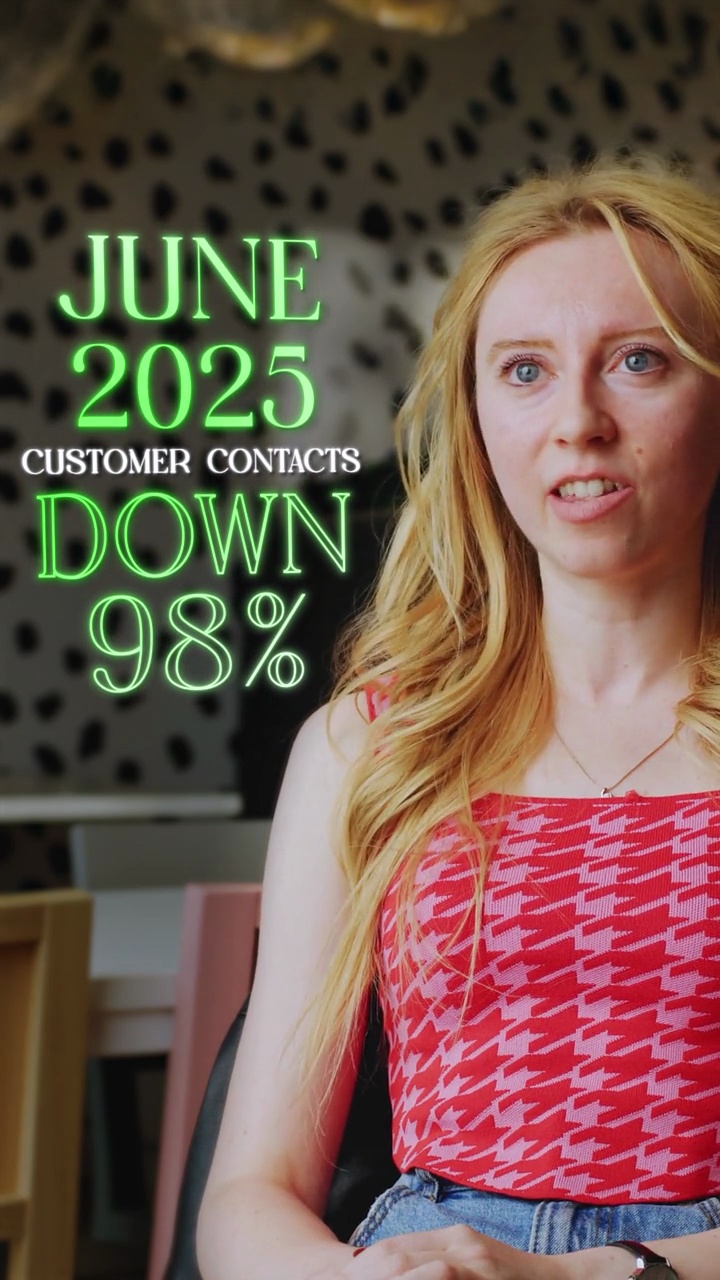
Oh Polly

Delayed payment capture for Shopify orders, explained
Product demo, Order Editing
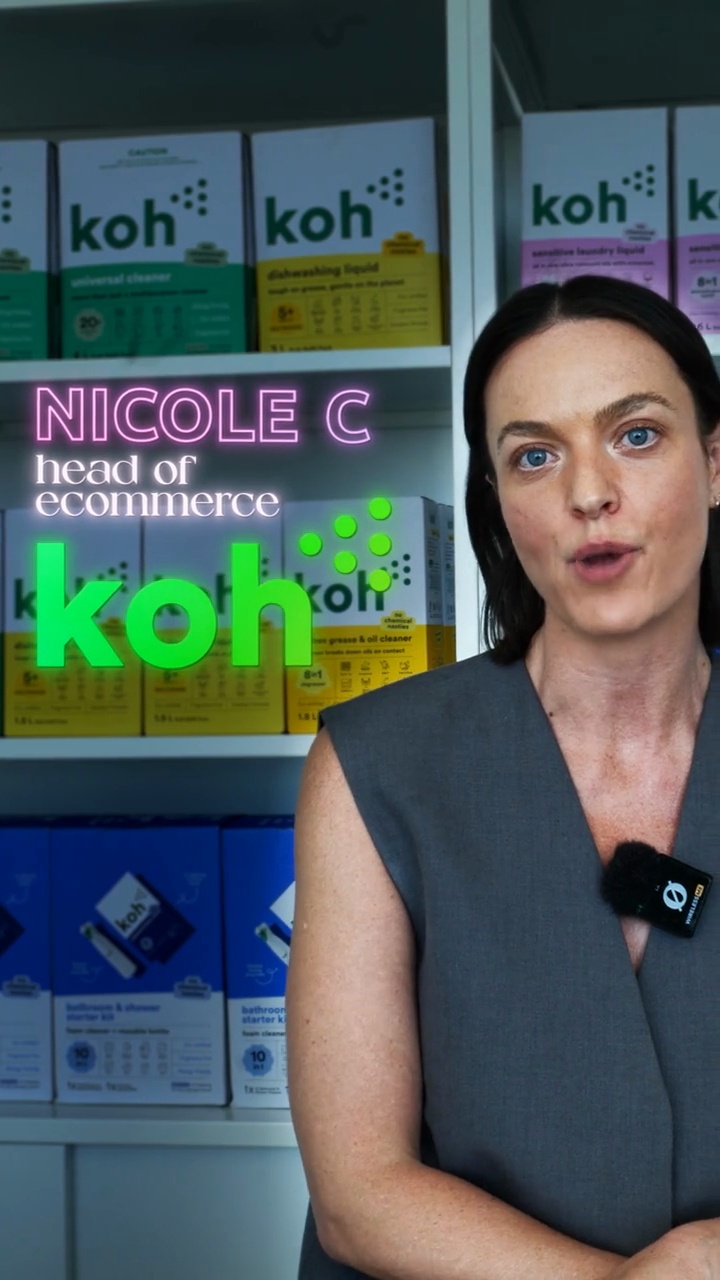
Nicole Christopher, Head of Ecommerce at Koh upsold 3% of orders

Jaryd Leibbrandt, Founder of Nakie makes an extra $40,000 a month
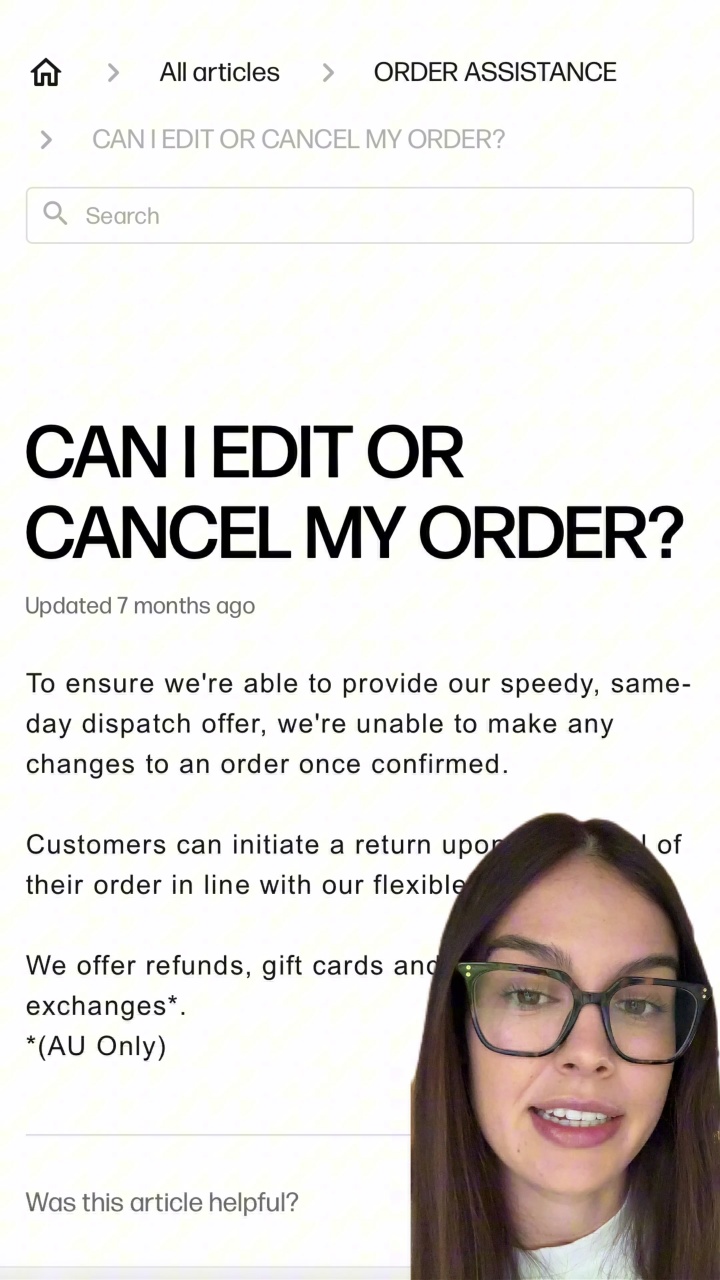
“I had no idea you could edit an order after you check out”