Delayed payment capture is what around 95% of Order Editing customers use to hold orders before they flow downstream to fulfillment. Like paying for an Uber where the charge only settles once the trip ends — and cancelling refunds you instantly — it gives customers a window to edit or cancel while making sure your warehouse and 3PL only ever see final orders. This short demo walks through how it works and why it's so reliable.
Delayed payment capture for Shopify orders, explained
How delayed payment capture works in Order Editing — hold the charge until an order moves downstream so customers get an edit window, instant refunds on cancellation, and your fulfillment stack only sees final orders.
Book a demoSee it on your store in 30 minutes
How delayed payment capture works in Order Editing — hold the charge until an order moves downstream so customers get an edit window, instant refunds on cancellation, and your fulfillment stack only sees final orders.
Let's talk about delayed payment capture. Delayed payment capture is what about ninety five percent of order editing customers use to delay their orders before they go downstream to their fulfillment stacks. It's a super powerful and super reliable way to delay your orders and give customers that time. Have you ever been in an Uber where you order an Uber and then you pay for it, but the payment doesn't come out until the trip is completed. And if you cancel that order, you get the funds back immediately. That's delayed payment capture. On Shopify, by default, you are on automatic payment capture. What we're asking you to do today is to move from automatic payment capture down to manual payment capture. Now this doesn't mean you're going to have to go and manually capture the payment on every single order. What's going to happen is when the orders come through, the payments will get authorized, and we're going to create that editing delay between authorization and payment capture. And after the editing delay, our app is going to tell Shopify that's the time to capture the payment. And you have between seven and thirty days to make those payment captures. We only need about thirty minutes, so you're gonna be totally fine. And, ninety five percent of our merchants do this way, and it's the most reliable way to create an order editing delay.
Lift AOV. Reduce tickets. Eliminate failed deliveries.
Order Editing turns every order into a revenue and retention engine. Lift AOV at checkout, eliminate 90% of order tickets, and stop failed deliveries before they cost you.
- Upsells at checkout, post-purchase, one-click, and free shipping thresholds
- Let customers self-service their orders and reduce editing related tickets by 90%
- Address Validation that catches bad addresses before they ship
331+ 5 Star Reviews on
90% fewer tickets·$100,000+ upsell revenue·1,600+ Shopify brands
More Videos
View All

Order Editing on Crop Shop Boutique — a full product demo
Product demo, Crop Shop Boutique
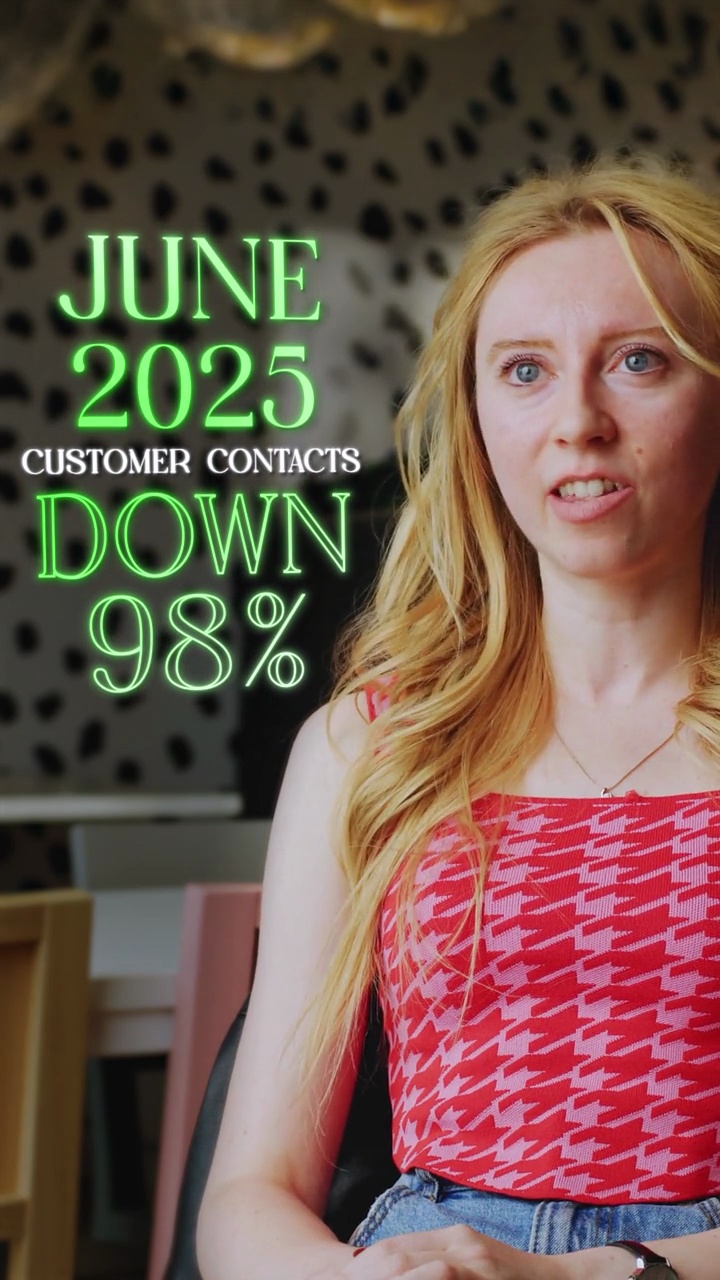
Oh Polly
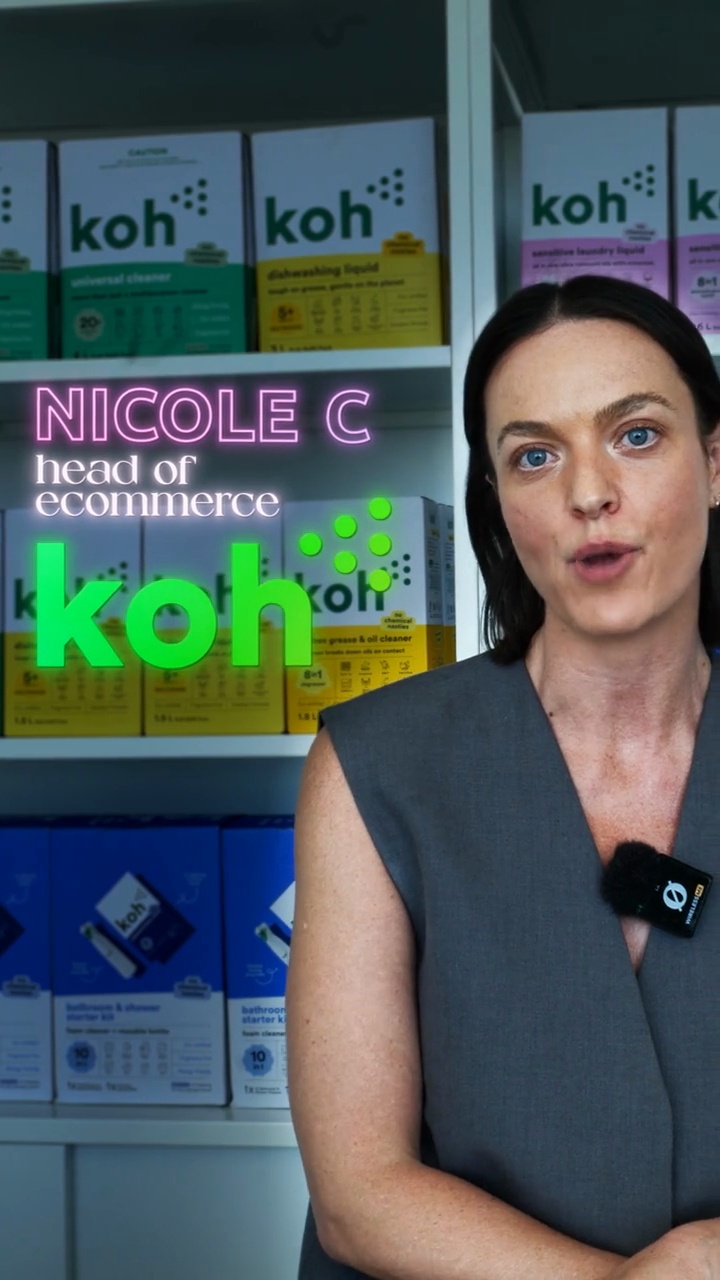
Nicole Christopher, Head of Ecommerce at Koh upsold 3% of orders

Jaryd Leibbrandt, Founder of Nakie makes an extra $40,000 a month
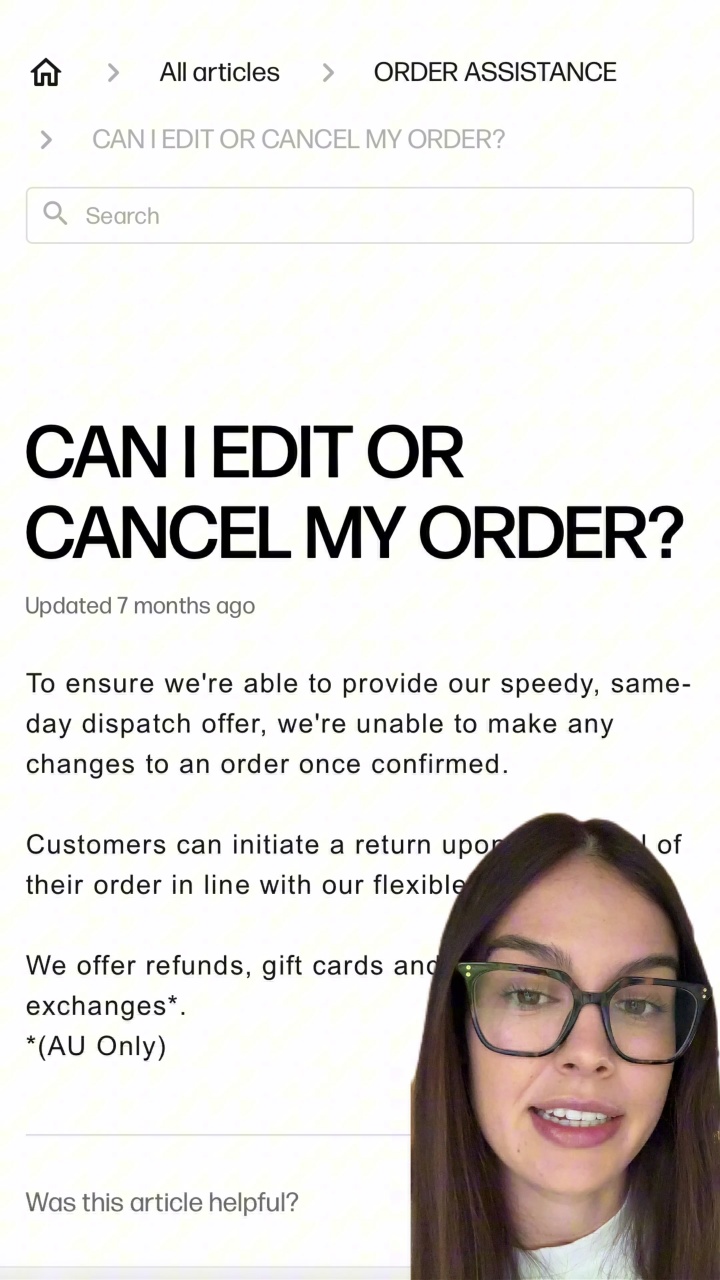
“I had no idea you could edit an order after you check out”